Synth Explorer

Modern software for Sequential and Oberheim synthesizers

Create, edit, organize, and share sounds between the OB-6, TEO-5, Prophet-6, and Prophet-5/10 Rev4, all in your browser.

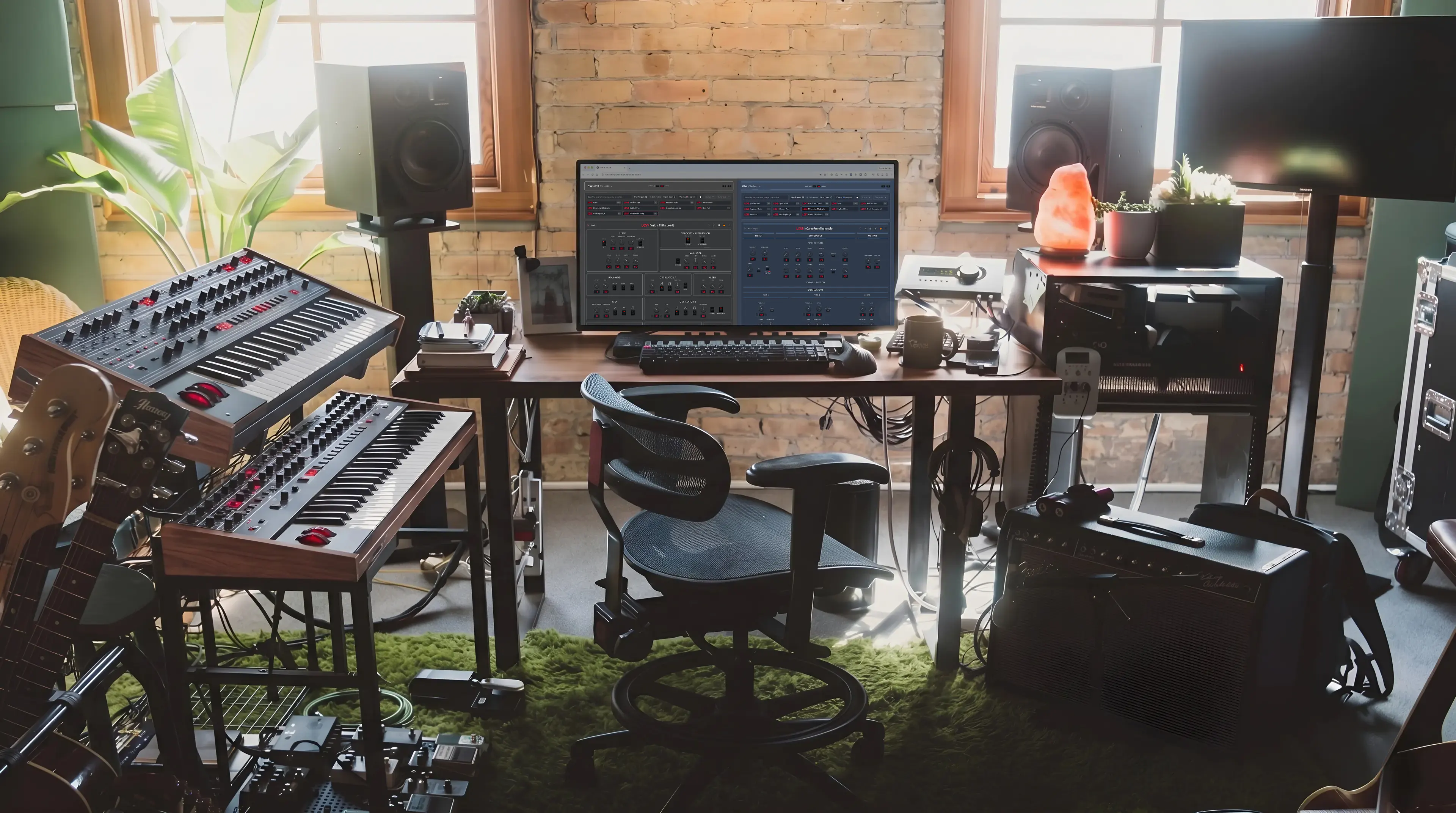
Home music studio with synthesizers

An Oberheim TEO-5 editor and librarian

Upgrade your TEO-5 workflow with a modern workspace built to organize presets, discover new sounds, and make more of your instrument. Bring sounds from the OB-6, Prophet-6, and Prophet-5/10 Rev4 into your own sound library.

Bring new sounds to your TEO-5

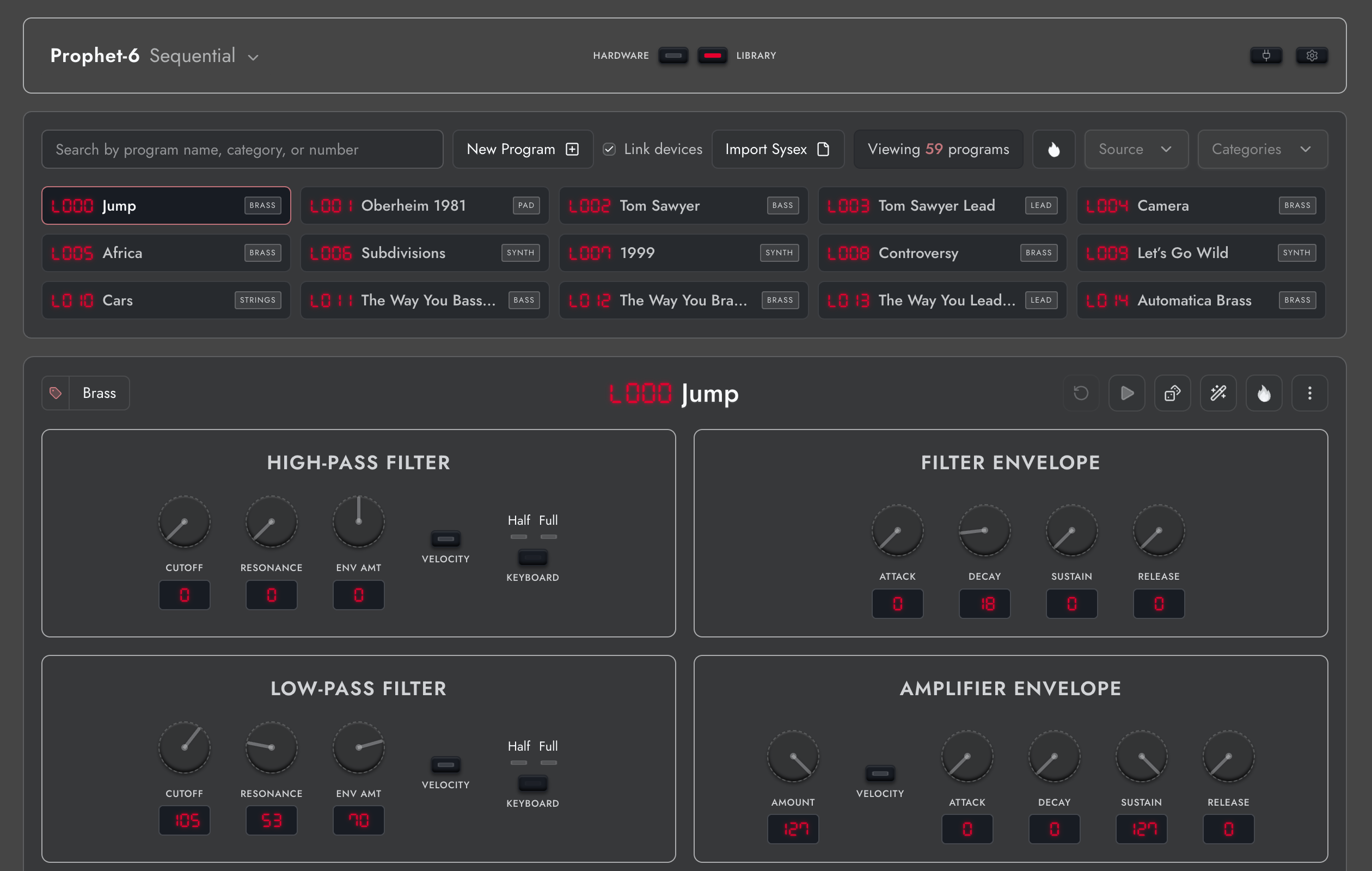
Found a Prophet-6 sound bank you’d love to try on your TEO-5? Synth Explorer imports SysEx files from all four supported synths and automatically converts the programs for your TEO-5. Import a single sound or a whole bank, hear the converted versions on your hardware, and save your favorites in one shared library. You only need your TEO-5 to explore the factory sounds of all four supported synths. Pro includes 500 OB-6, 500 Prophet-6, 200 Prophet-5/10 Rev4, and 256 TEO-5 programs, giving you 1,456 starting points to make your own. Each conversion brings the sound into the capabilities and character of your instrument.
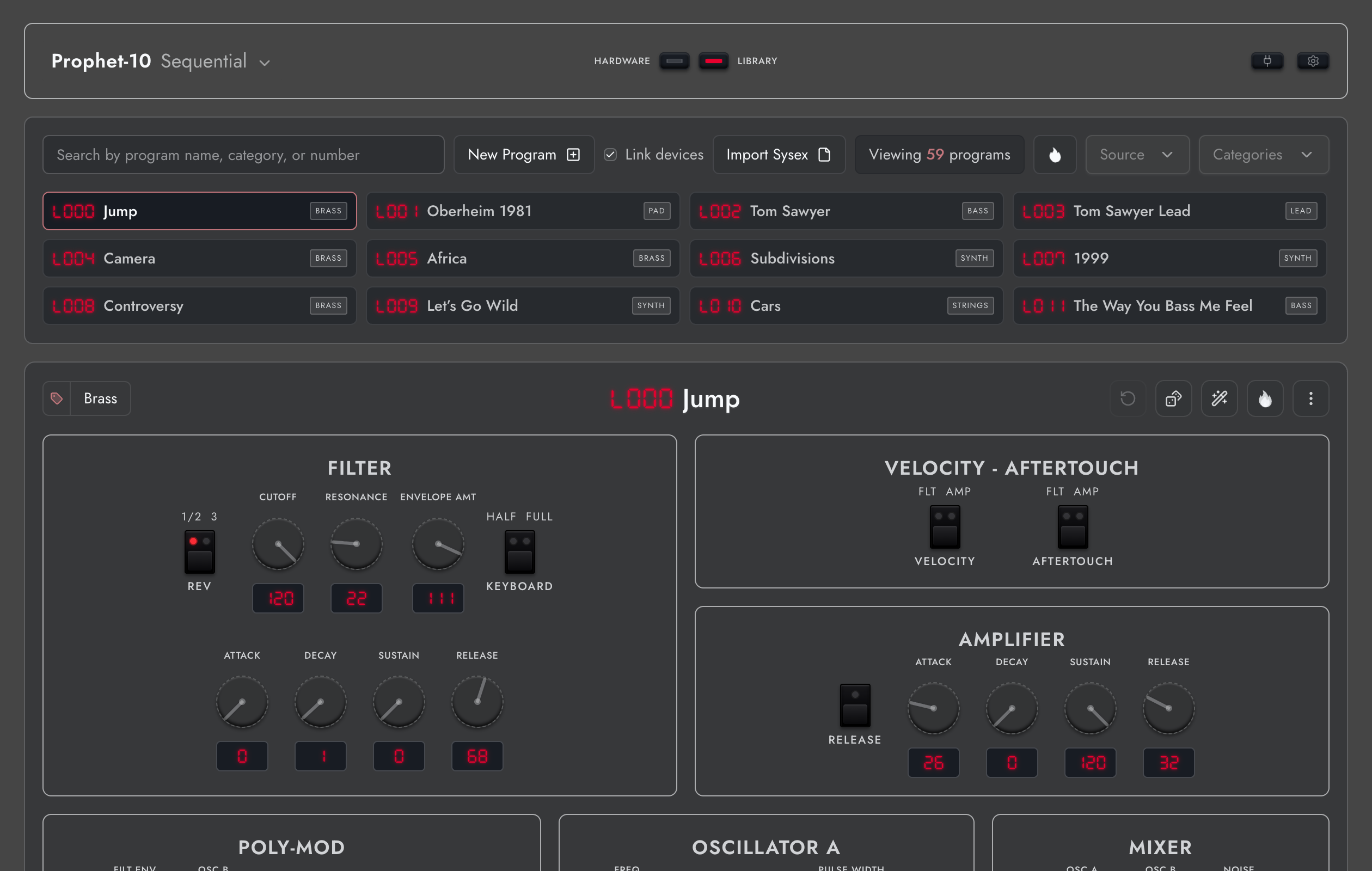
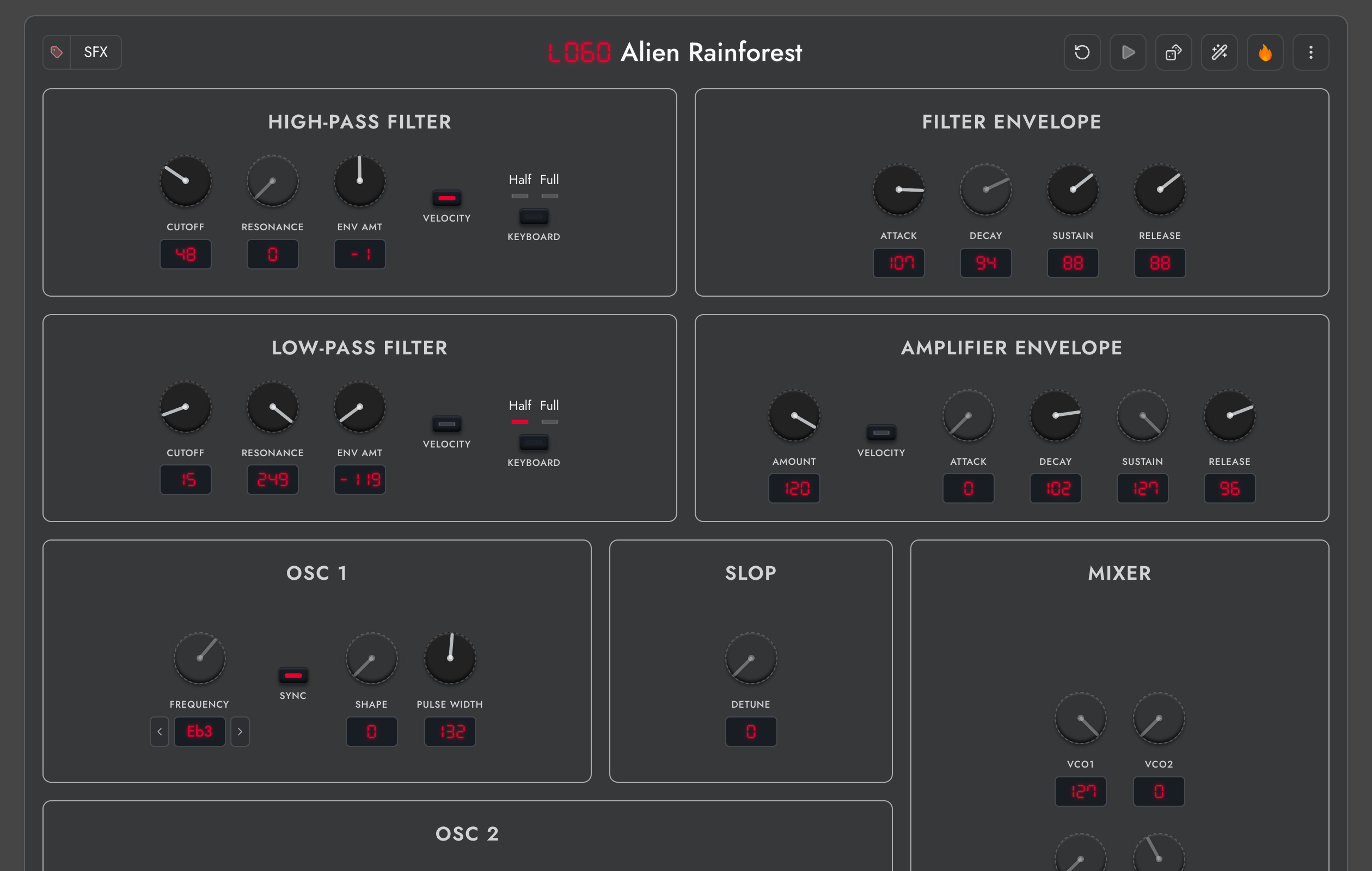
Shared sound library viewed from the Prophet-10 workspace

Truly connect with your TEO-5

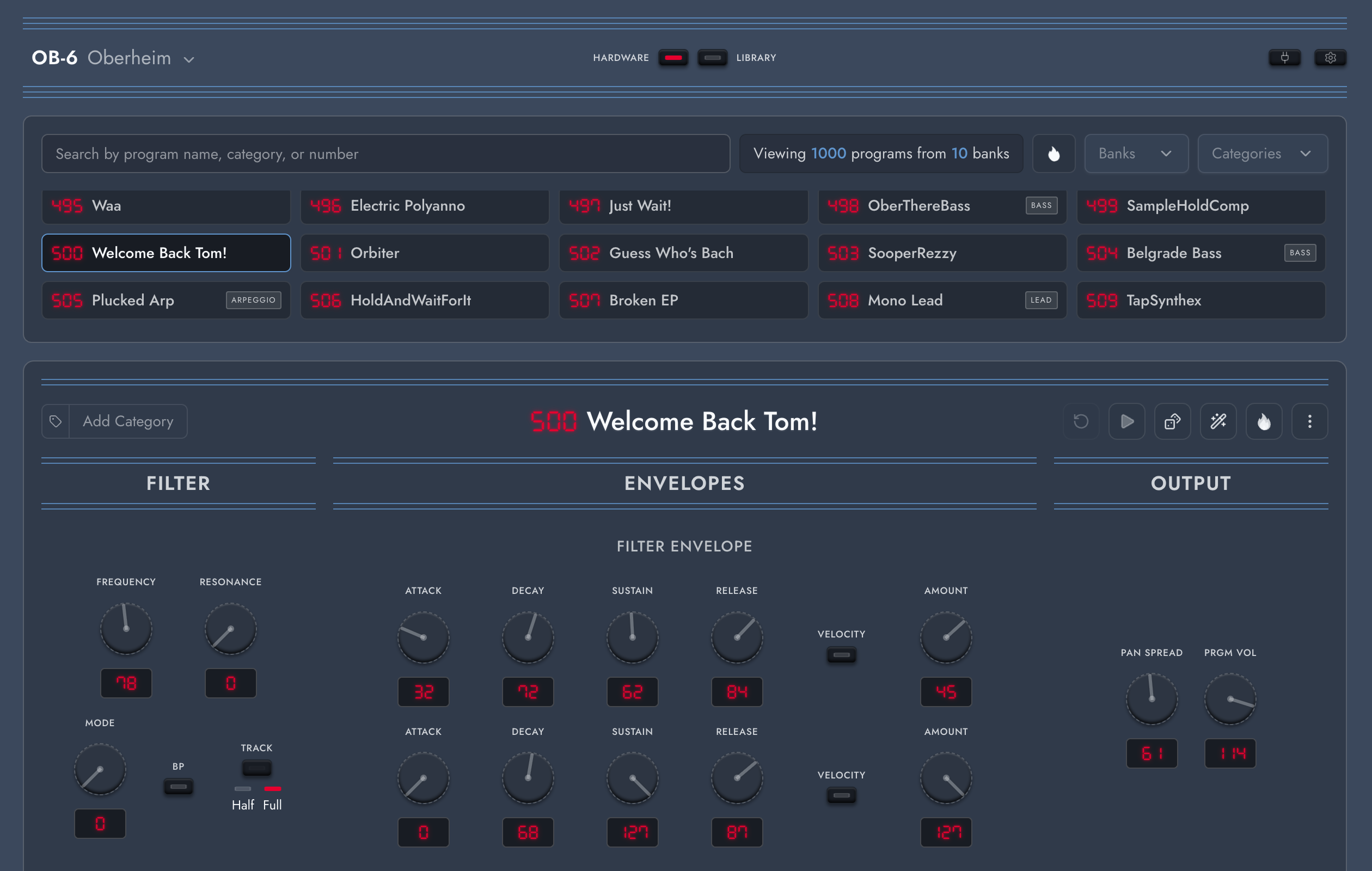
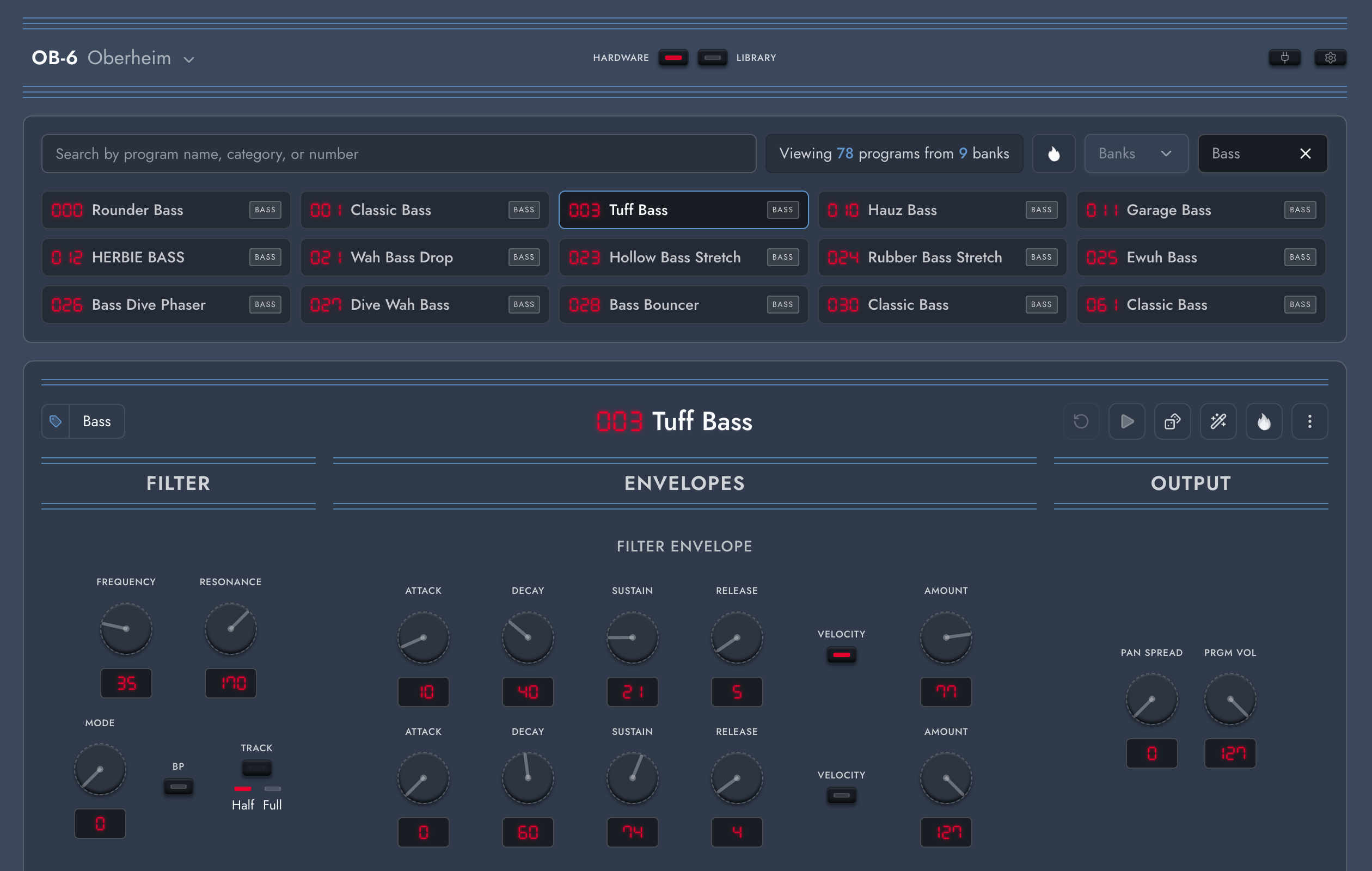
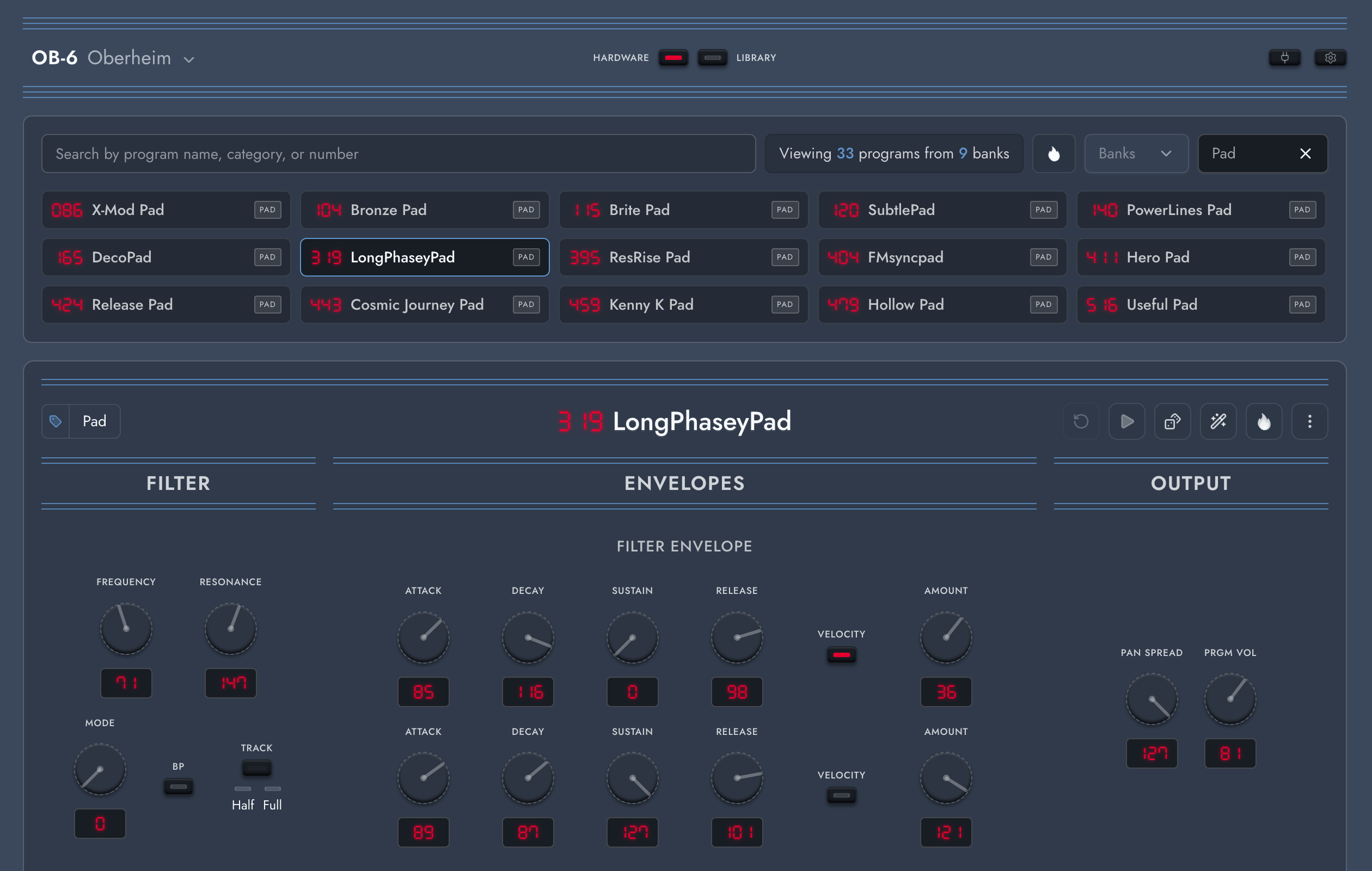
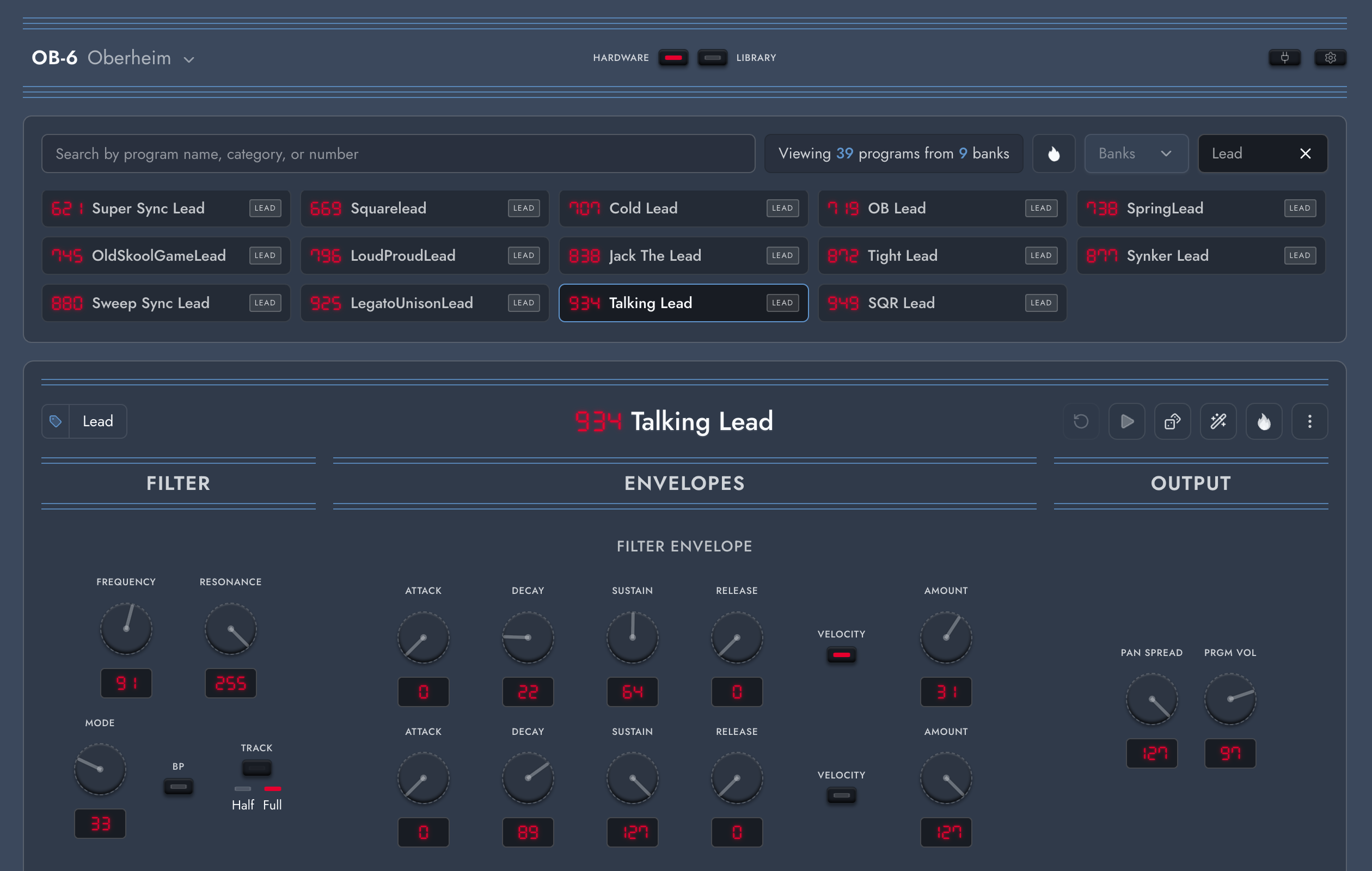
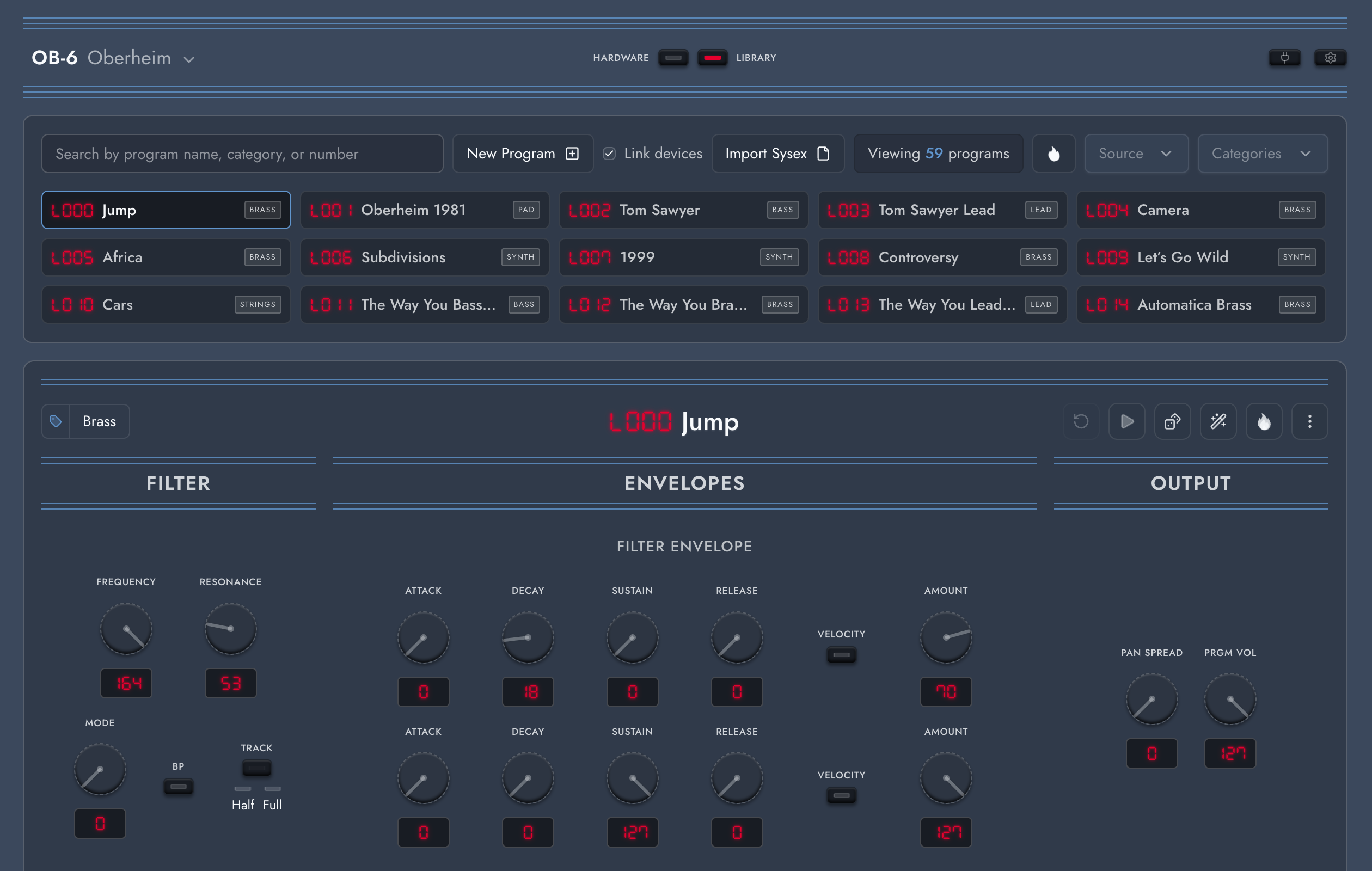
Explore the programs on your TEO-5 in a workspace that makes your sounds easy to find. Rename and categorize presets, search by name or number, and filter your collection when you need a bass, lead, or pad. Save your favorites to your shared library for safekeeping, then create variations without losing the original. Pro lets you reorder programs and save to both User and Factory slots, so you can arrange your instrument around the sounds you actually use. Explore the first 50 factory programs from each synth free, or browse the complete catalogs with Pro to discover sounds and restore overwritten slots.

OB-6 hardware workspace showing programs across all banks

Design sounds with new precision

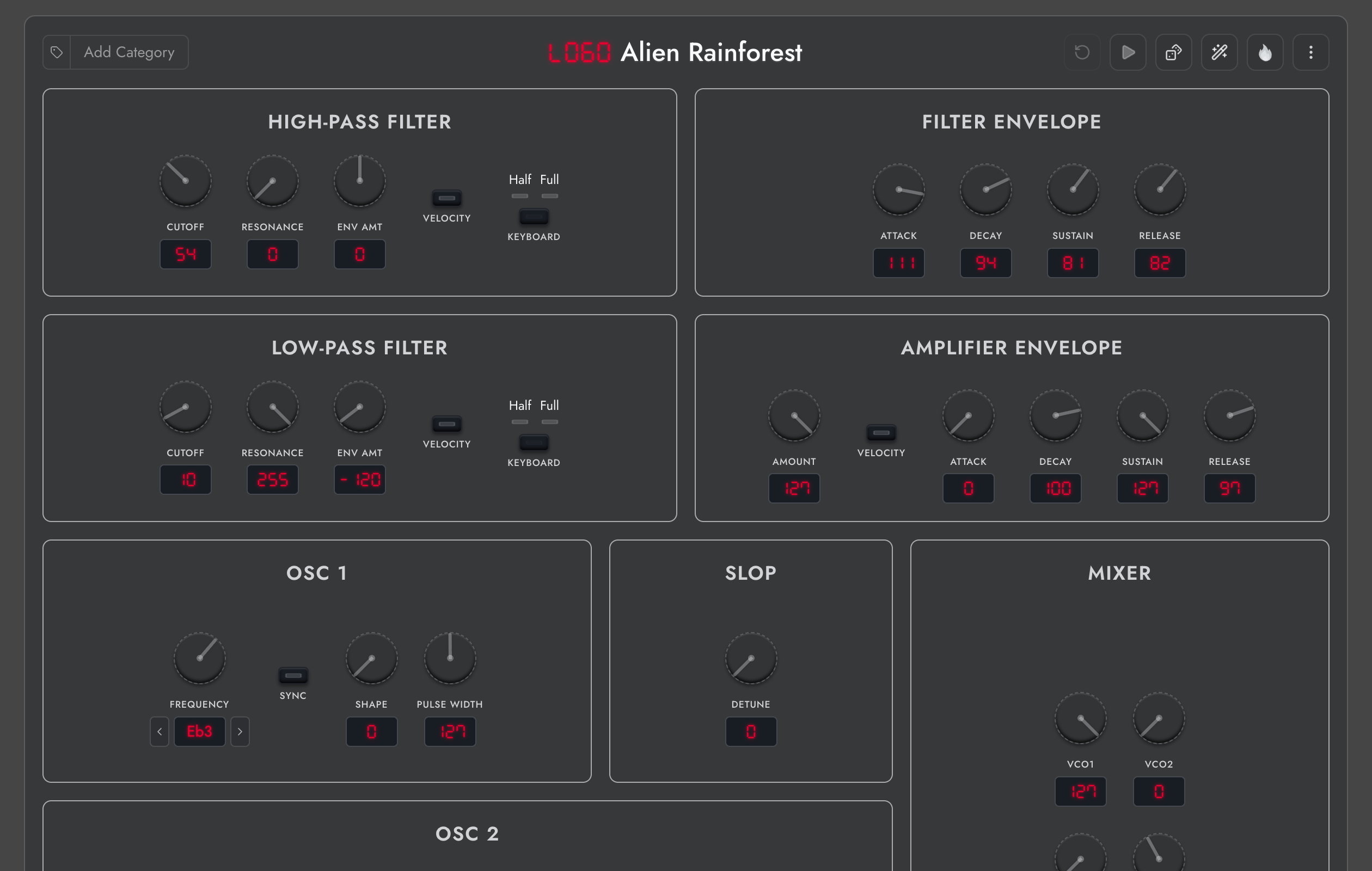
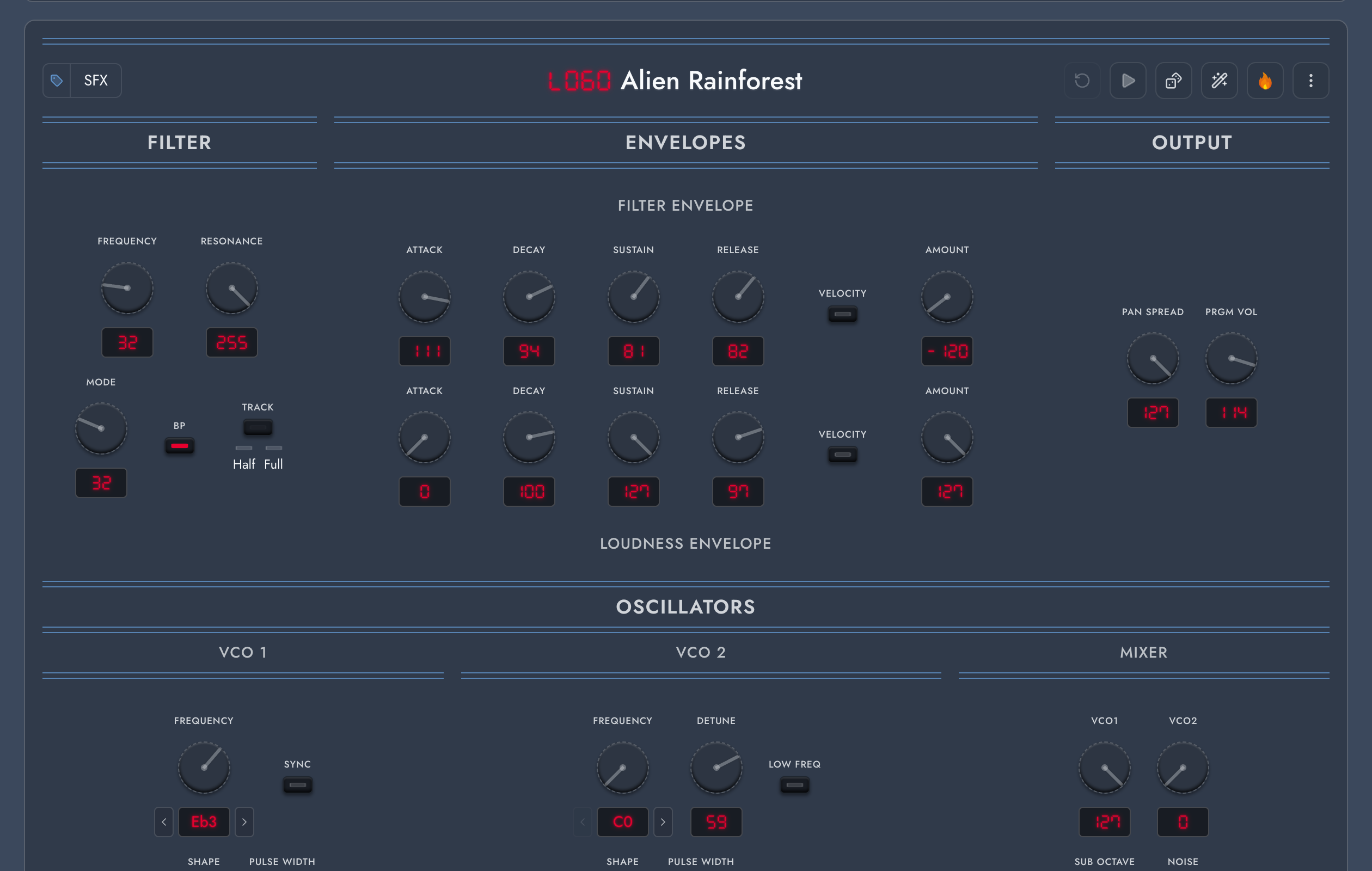
See your TEO-5's parameters in a synced panel editor that responds as you turn the hardware controls. Shape oscillators, filters, envelopes, and effects, with all 16 modulation slots laid out together so you can see how a sound is built. Randomize a program for a fresh starting point, refine the details, and save your own variations. Audition sounds with your TEO-5's hardware sequencer and hear every change through the instrument itself.

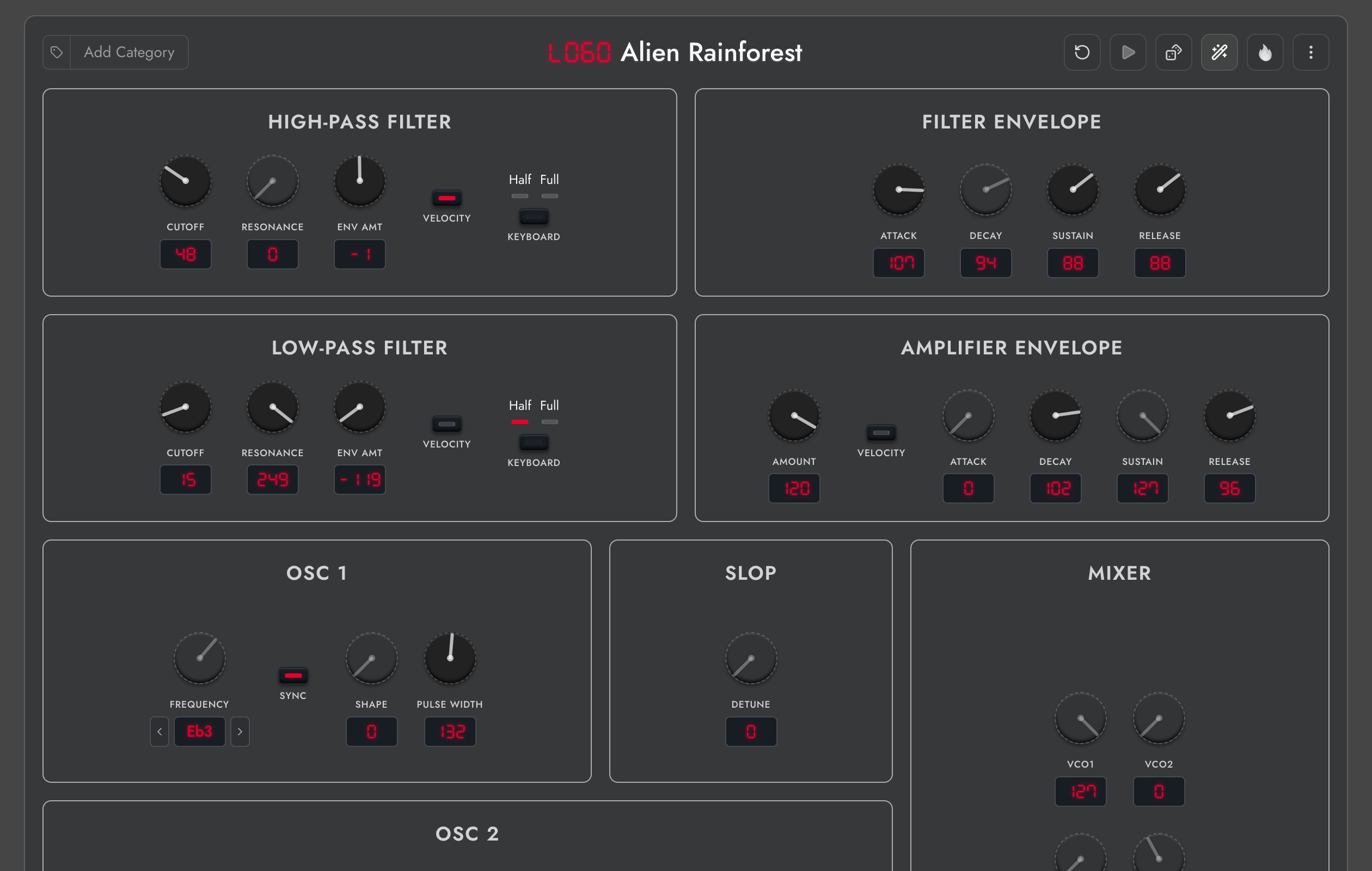
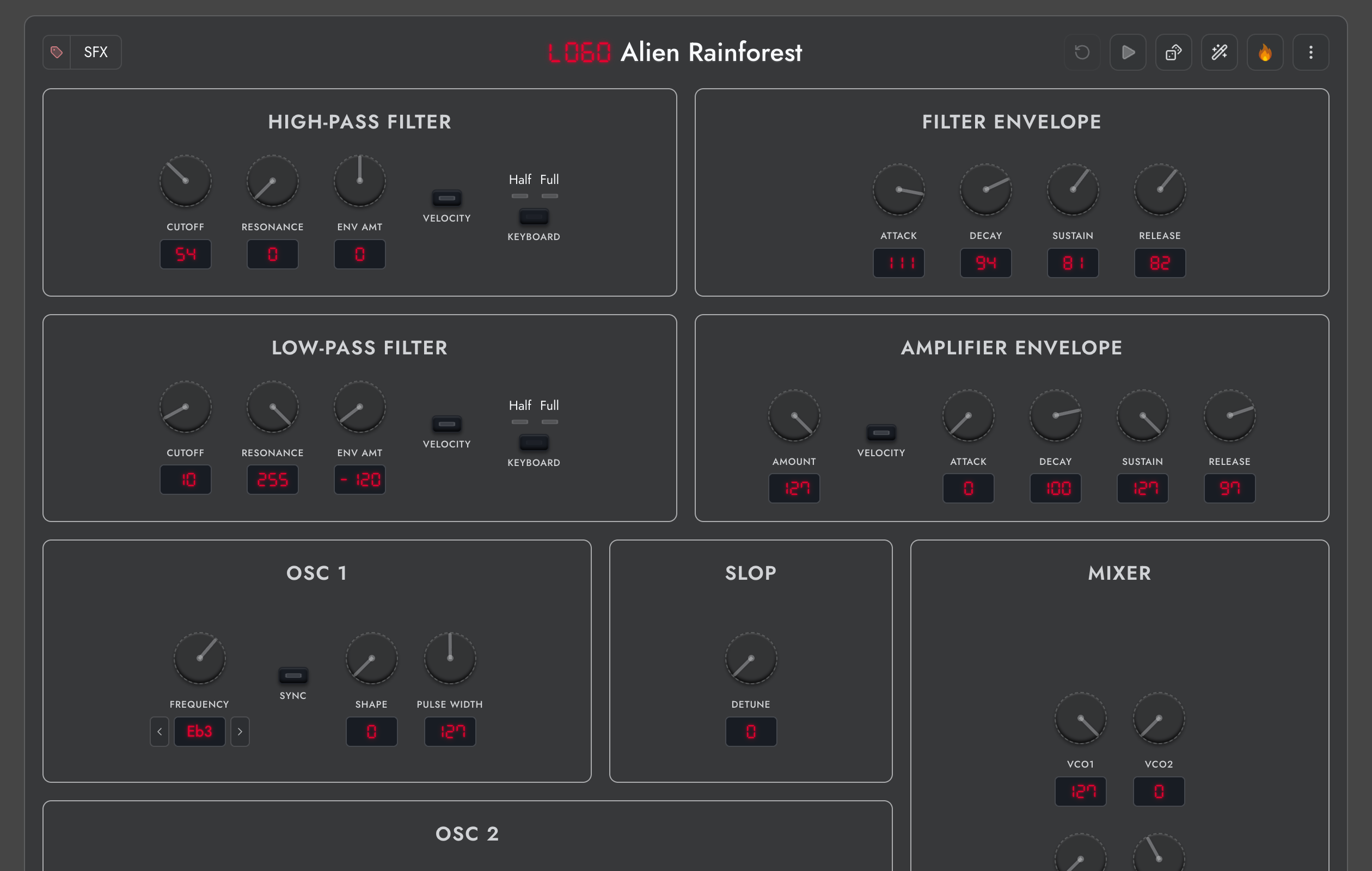
Prophet-6 panel editor showing the Alien Rainforest program
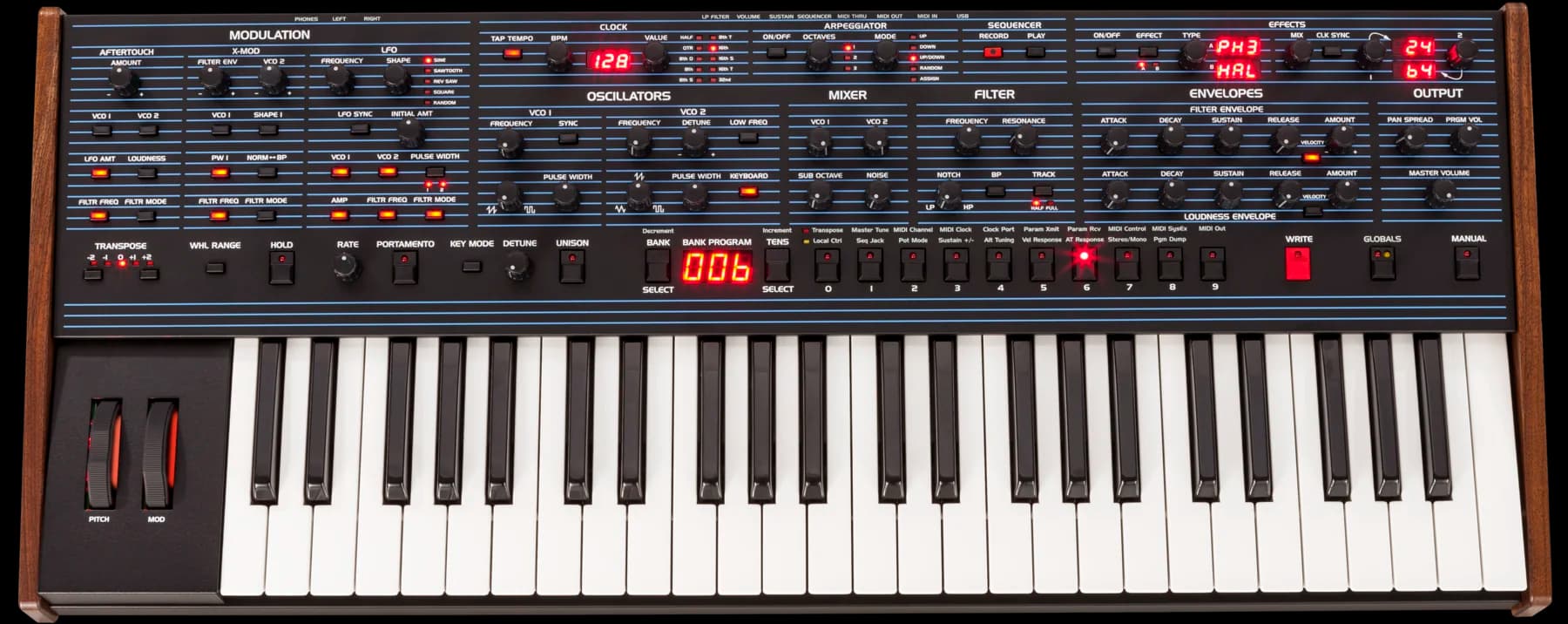
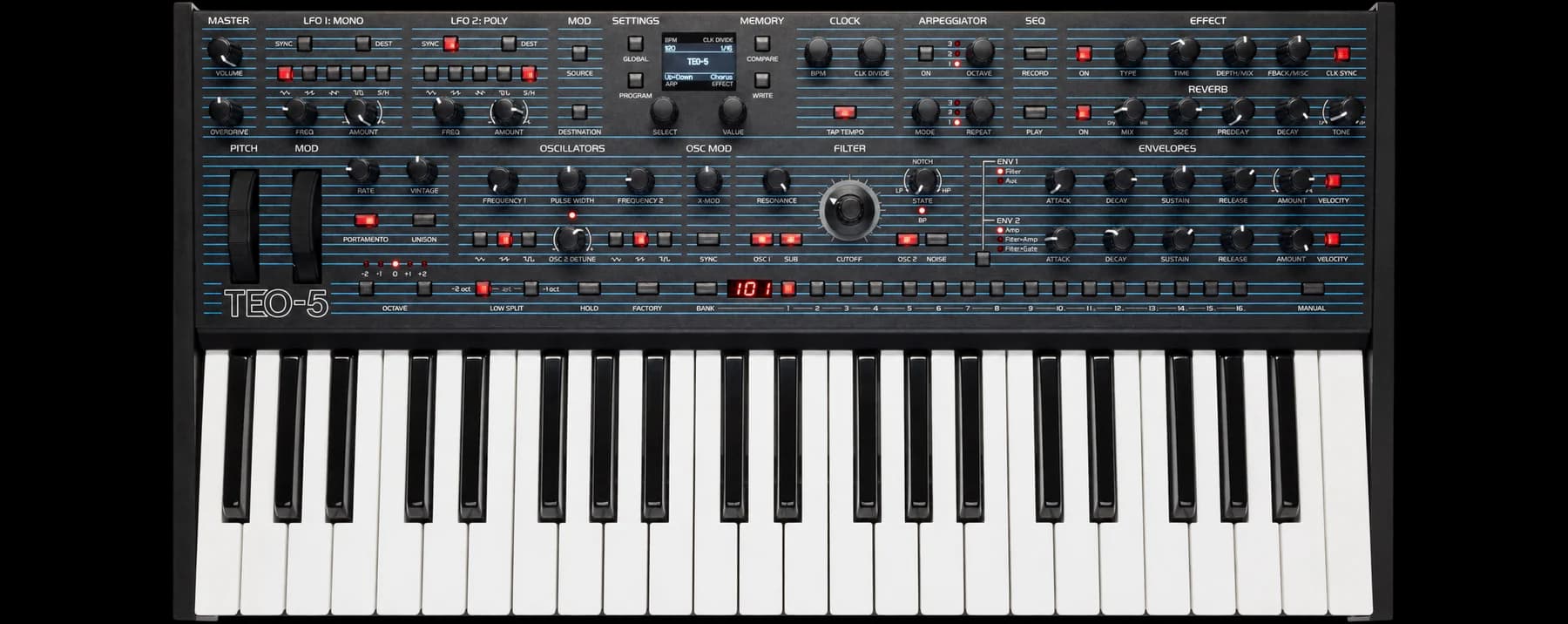
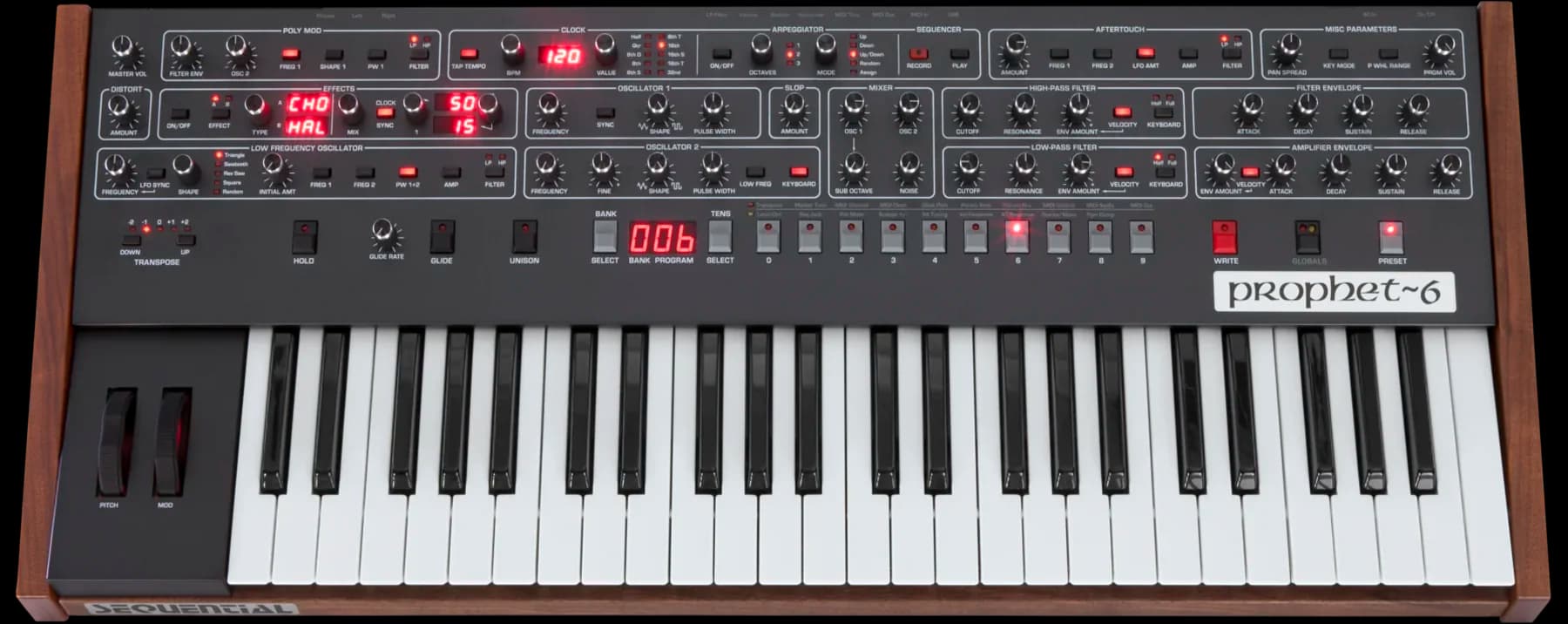
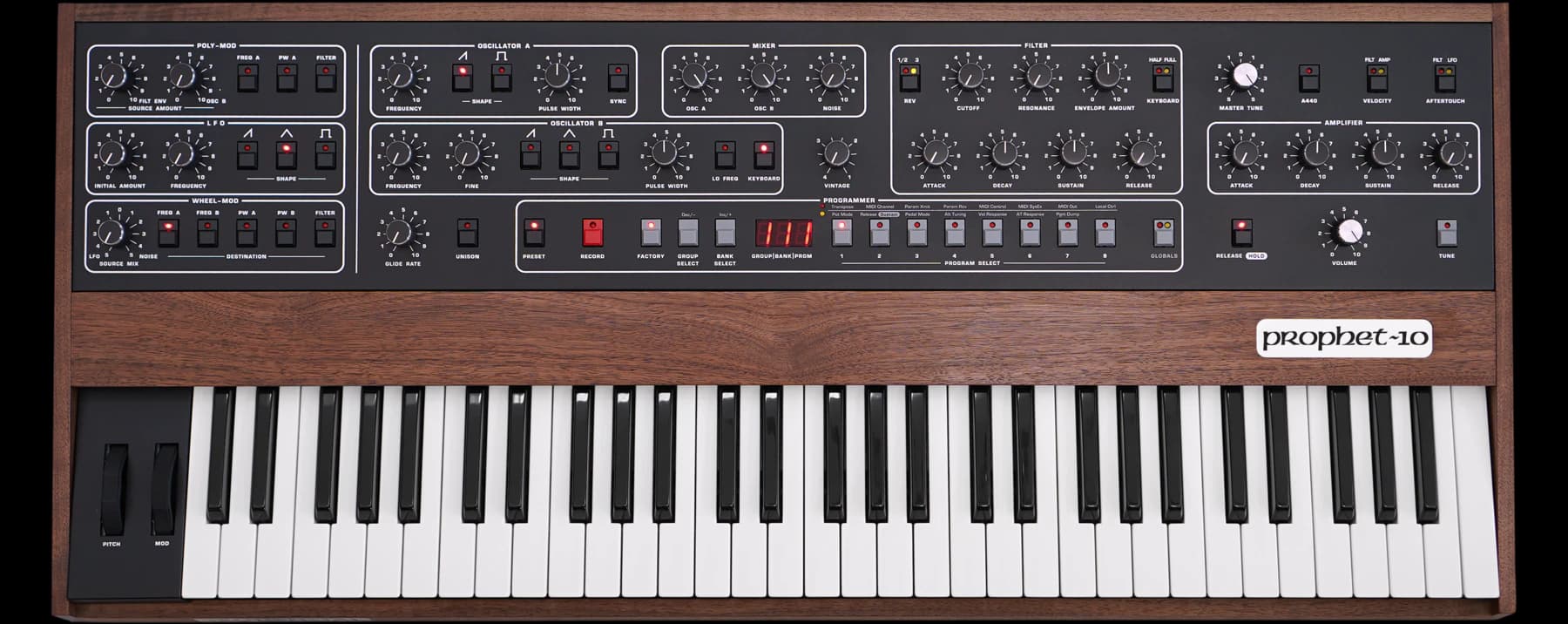
Oberheim OB-6 synthesizerOberheim TEO-5 synthesizerSequential Prophet-6 synthesizerSequential Prophet-10 Rev4 synthesizer

Your TEO-5. A whole new world of sounds.

Discover what OB-6, Prophet-6, and Prophet-5/10 Rev4 programs can become on your TEO-5. Explore, adapt, and make them your own in one shared workspace.

FAQ

What the @#$% is Synth Explorer?

Can I use factory sounds from other synths on mine?

Yes. Pro includes all 1,456 factory programs: 500 OB-6, 256 TEO-5, 500 Prophet-6, and 200 Prophet-5/10 Rev4. You only need one supported synth. Choose the source synth in the device selector, browse its Factory tab, and save favorites to your shared library. Then switch to your synth to audition and save the converted versions. Each conversion adapts the sound to your instrument's capabilities and character. Free includes the first 50 factory programs per synth and a 20-program personal library. Browsing your hardware remains unrestricted.

What is Synth Explorer?

Synth Explorer is a sound editor and librarian designed to give OB-6, TEO-5, Prophet-6, and Prophet-5 & 10 Rev4 owners a deeper, more flexible way to explore their instruments and the sounds inside them. Browse the programs on your hardware, name, categorize, and reorder the sounds you love, and explore or design new sounds with a real-time editor panel. Save your favorite presets to a shared library and Synth Explorer automatically converts them for every supported synth. Preview library programs on any supported instrument, then upload your favorites directly to your hardware.

What synthesizers do you currently support?

Synth Explorer supports the OB-6, TEO-5, Prophet-6, and Prophet-5 & 10 Rev4.

How can I share sounds between my OB-6, TEO-5, Prophet-6 and Prophet Rev4?

When you save or import a sound to the shared library, Synth Explorer automatically converts it for the OB-6, TEO-5, Prophet-6, and Prophet-5 & 10 Rev4. You can audition the sound on any supported synth, explore it in the panel editor, and upload it to your hardware. Each instrument brings its own character to the sound, turning every preset into a new starting point for discovery and sound design.

Can I import a SysEx file with multiple programs?

Yes. Upload a compatible .syx file with one program or a whole bank. Synth Explorer imports every program at once and automatically creates OB-6, TEO-5, Prophet-6, and Prophet-5/10 Rev4 versions in your shared library, up to your plan's library limit.

Can I edit the TEO-5 modulation matrix?

Yes. All 16 modulation slots are shown together in the panel editor, with source, destination, and amount controls synced to your TEO-5. You can see the existing routings and edit them alongside the rest of the sound.

Do I need another synth to use its factory programs on my TEO-5?

No. Pro includes the factory catalogs from all four supported synths. Save a program to your shared library and select the TEO-5 to audition its converted version on your hardware. The conversion adapts the program to the TEO-5; it does not emulate the original instrument.

Can I save programs to TEO-5 Factory slots?

Yes. Pro lets you save programs to both User and Factory slots and reorder your hardware programs. The original factory catalog remains available in Synth Explorer if you want to restore a sound. Free can save to User slots.


Synth Explorer

Copyright © 2026 Synth Explorer


Synth Explorer is an independent product and is not affiliated with, endorsed by, or sponsored by Sequential LLC or Oberheim. Sequential, Prophet-5, Prophet-10, Prophet-6, Oberheim, OB-6, and TEO-5 are trademarks of their respective owners.